AR vs VR vs Interactive 3D: Which Technology Does Your Business Need?
Posted on : Sep 18, 2026
Immersive technology is no longer reserved for gaming and experimental marketing campaigns. In 2026, businesses use augmented reality, virtual reality, and interactive 3D to help customers understand products, train employees, visualise spaces, explain complex systems, and make digital experiences more engaging.
But these technologies are not interchangeable. Augmented reality, virtual reality, and interactive 3D each create a different user experience, require different levels of hardware and content production, and solve different business problems. Choosing the wrong format can lead to unnecessary cost, weak adoption, or an experience that is impressive but not useful.
The right choice starts with a simple question: what does your audience need to do? Do they need to see a product in their real environment? Do they need to practise a task in a safe simulated world? Or do they simply need to rotate, zoom, configure, and understand a 3D object on a website?
Outsource Creative Works helps businesses answer these questions and create AR, VR, and interactive 3D experiences that fit their goals. From 3D modeling and product configuration to virtual tours, AR visualisation, and immersive environments, the company supports the creative and technical work needed to turn a concept into a practical digital experience.
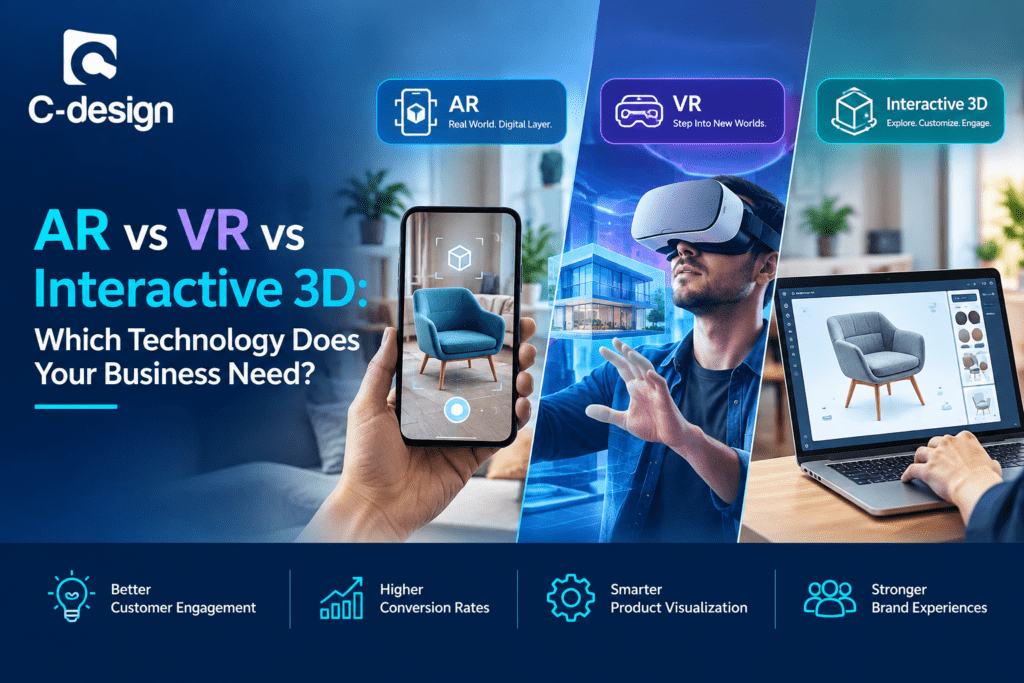
Understanding the technologies
Augmented Reality
Augmented reality, or AR, overlays digital information onto the user’s real-world view. A customer may point a smartphone camera at a room and see a 3D sofa placed at full scale. A technician may use a tablet or smart glasses to see instructions overlaid on equipment. A shopper may try eyewear, makeup, or accessories through a live camera view.
AR keeps the real world visible and adds a digital layer to it. It is often delivered through smartphones, tablets, WebAR, smart glasses, or mixed-reality headsets.
Virtual Reality
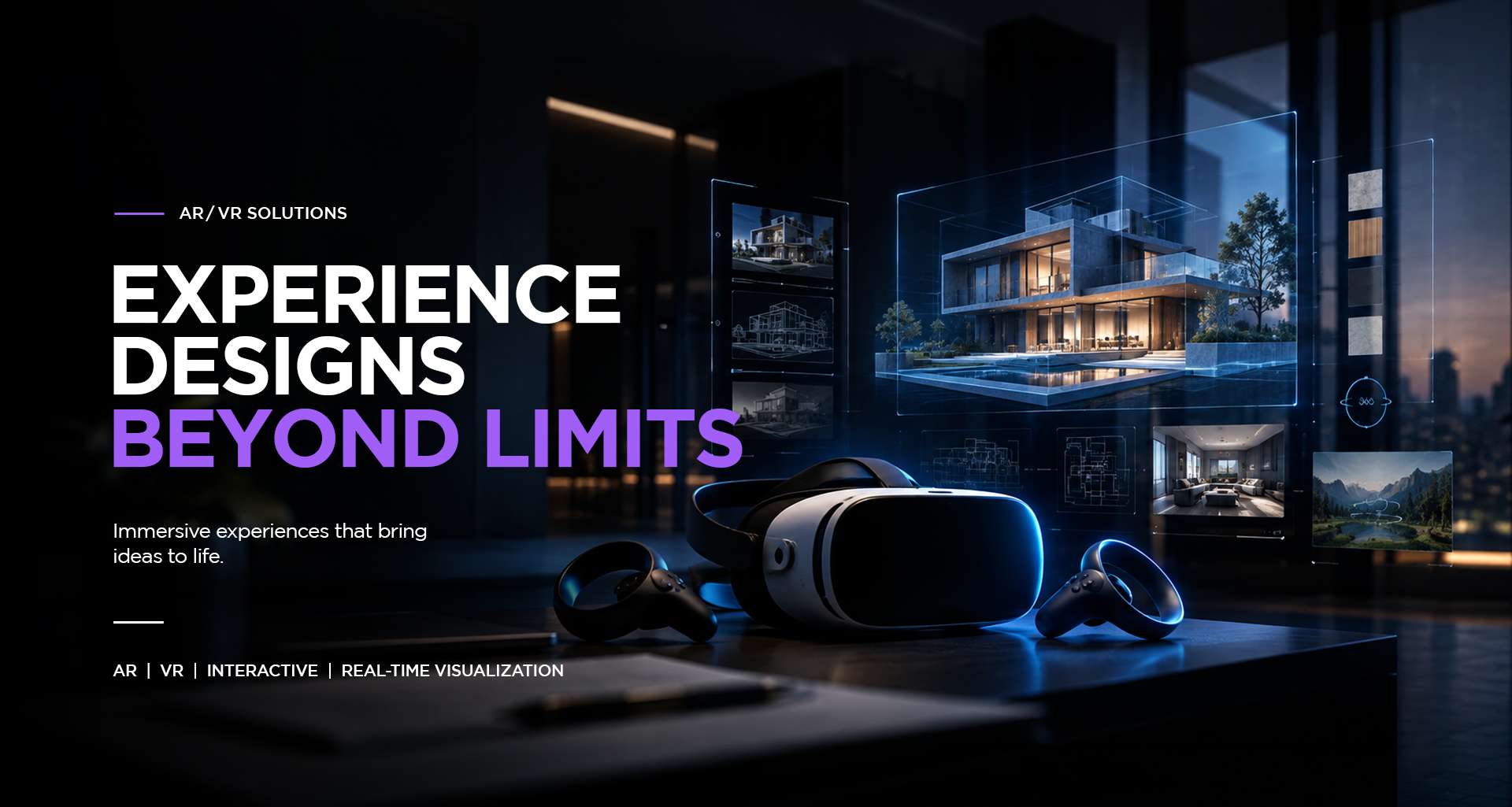
Virtual reality, or VR, places the user inside a fully digital environment. A VR headset blocks or largely replaces the surrounding physical environment with a simulated world. Users can look around, move through spaces, interact with objects, and practise tasks in an immersive setting.
VR is useful when the real environment is unavailable, dangerous, expensive, or difficult to reproduce. It is commonly used for training, design reviews, virtual showrooms, simulations, education, and entertainment.
Interactive 3D
Interactive 3D usually refers to a browser-based or app-based experience where users can explore a 3D model without entering AR or VR. Users may rotate a product, zoom in, change colors, swap materials, open components, view animations, or configure options in real time.
Interactive 3D is generally the most accessible of the three technologies because it can run on a website, desktop, tablet, or smartphone. It gives users more control than a static image but does not require a headset or camera-based placement.
AR vs VR vs interactive 3D
| Feature | Augmented Reality | Virtual Reality | Interactive 3D |
|---|---|---|---|
| Main experience | Digital objects layered over the real world | User enters a fully digital world | User explores a 3D model on screen |
| Typical hardware | Smartphone, tablet, smart glasses, compatible headset | VR headset and controllers; sometimes a capable PC | Web browser, phone, tablet, desktop, touchscreen |
| User awareness of real world | Remains visible | Mostly blocked or replaced | User remains in a normal physical setting |
| Best for | Product placement, try-on, field guidance, contextual information | Training, simulation, virtual tours, immersive design review | Product views, configurators, web engagement, technical explainers |
| Entry barrier | Low to medium | Medium to high | Low |
| Content complexity | Optimised 3D models and tracking/placement logic | Full environment, interaction, optimisation, and comfort design | Optimised web-ready models and interaction design |
AR overlays digital information or objects on the physical world, typically through phones, tablets, or smart glasses; VR instead places people in a fully digital environment through a headset. Interactive 3D lets users rotate, zoom, and inspect models on a product page without requiring immersive hardware.jktechhub+2
Hardware requirements
Hardware affects adoption. A technically advanced experience is not useful if customers or employees cannot access it easily.
AR hardware
For many consumer use cases, AR can run on a modern smartphone or tablet. This makes it accessible for product visualisation, virtual try-on, view-in-room experiences, packaging activations, and simple training guidance.
Common AR hardware includes:
- Smartphones with compatible cameras and operating systems
- Tablets for sales, education, or field use
- Smart glasses for hands-free industrial support
- Mixed-reality headsets for high-end spatial experiences
WebAR can reduce friction further because users can open an experience in a browser rather than downloading a separate app. This is useful for marketing and e-commerce because it makes entry easier for customers.joetech.name+1
VR hardware
VR typically requires a headset, and some experiences also require handheld controllers, tracking sensors, a powerful PC, or dedicated physical space. Standalone headsets can simplify deployment, while PC-connected systems may provide higher fidelity for complex simulations.
Typical VR hardware includes:
- Standalone VR headsets
- Headset controllers or hand tracking
- Optional PC workstation for demanding simulations
- Room-scale tracking space for movement-based training
- Hygiene and device-management processes for multi-user deployment
Because VR requires more planning, it is often best for high-value use cases where immersion creates a clear benefit, such as safety training, equipment simulation, design review, or a premium virtual showroom.
Interactive 3D hardware
Interactive 3D has the lowest hardware barrier. In most cases, users need only a modern web browser and an internet-connected phone, tablet, laptop, or desktop computer.
For best performance, companies should optimise models for the web. Large, unoptimised files can create slow loading times, especially on mobile networks. Clean geometry, efficient textures, appropriate compression, and level-of-detail versions help deliver a smooth experience.
This accessibility makes interactive 3D a strong starting point for many businesses.
User experience differences
AR user experience
AR feels contextual. It connects a digital object to the customer’s real surroundings. A furniture buyer can check whether a sofa fits their room. A shopper can see a cosmetic shade on their face. A technician can view a maintenance instruction beside the real machine.
The key strength of AR is relevance: the user sees the digital content in the place where it matters. Its weakness is that real-world lighting, tracking conditions, device quality, and available space can affect the experience.
VR user experience
VR feels immersive. It can transport users into a factory, building, showroom, construction site, or training scenario. This makes it excellent for simulation and emotional impact. A user can learn by doing rather than simply watching.
The key strength of VR is focus. The user is less distracted by the outside environment. Its limitations include headset comfort, motion-sickness risk, physical-space requirements, and higher onboarding effort.
Interactive 3D user experience
Interactive 3D feels practical and familiar. It works like an advanced product viewer or configurator. The user can explore a product at their own pace without putting on equipment or granting camera access.
The key strength is low friction. A customer can rotate a product, zoom into details, choose colors, and see options in real time. It is less immersive than VR and less context-aware than AR, but it is often the easiest way to improve product understanding online.
Business uses for AR
AR is most useful when a digital object or instruction gains value from being connected to the physical world.
Retail and e-commerce
Retailers use AR for virtual try-on and view-in-room experiences. Customers can place furniture, décor, appliances, and lighting in their own rooms before buying. Fashion, eyewear, beauty, and accessory brands can use live camera-based try-on tools.
Product demonstrations
Brands can show how a product works in a customer’s own environment. A packaging scan can reveal a setup guide, assembly animation, product story, or support video.
Field service and maintenance
AR can overlay instructions, diagrams, labels, and checklists onto equipment. This can help technicians follow procedures, identify components, or receive remote expert support.
Training and education
AR can add interactive instructions to real tools, equipment, classroom objects, or printed materials. This is useful when learners need guidance in a real environment rather than a fully simulated one.
Business use cases include virtual try-ons, furniture placement, maintenance guidance, logistics, manufacturing, and inspection support.jktechhub+3
Business uses for VR
VR is most effective when businesses need to simulate an environment or task that is costly, risky, distant, or difficult to access in reality.
Safety and skills training
VR allows employees to practise procedures without exposure to real-world risk. It can simulate hazardous work areas, equipment operation, emergency responses, warehouse processes, or complex technical tasks.
Virtual showrooms and sales
A VR showroom can let customers explore a vehicle, home, product range, retail space, or destination without travelling. This can be valuable for high-consideration purchases and premium brand experiences.
Architecture and real estate
Architects and developers can use VR walkthroughs to help clients understand scale, circulation, materials, lighting, and spatial relationships before construction begins.
Design review and collaboration
Teams can meet inside a virtual model to review large spaces, complex equipment, or design alternatives. This can make it easier to identify issues that are difficult to see on a flat screen.
VR is particularly suitable for training that is risky, expensive, or difficult to scale in the real world, including onboarding, safety, equipment operation, and procedural rehearsal.uctoday+2
Business uses for interactive 3D
Interactive 3D is ideal when businesses want better product understanding without requiring customers to use a headset or camera.
3D product viewers
A 3D product viewer allows customers to rotate, zoom, and inspect products from all angles. This is useful for furniture, electronics, appliances, jewellery, industrial equipment, and consumer products.
Product configurators
Configurators allow users to change colors, materials, components, and options. A customer can see a product update immediately as they make choices. This is particularly useful for furniture, automotive, modular products, equipment, and custom manufacturing.
Interactive technical visualisation
Companies can create exploded views, assembly animations, part labels, and interactive demonstrations. These tools help sales teams, technicians, distributors, and customers understand complex products.
Web-based architectural visualisation
Interactive 3D can provide property tours, site exploration, apartment selection, interior options, and masterplan views through a standard browser.
Interactive 3D configurators let users change colours, materials, and product options in real time, turning buyers into active participants in the product-selection process.aestar
How to choose
Choose AR if:
- Customers need to see a product in their own space
- Users need contextual instructions over real equipment
- You want a virtual try-on or view-in-room experience
- Your audience is likely to use a smartphone or tablet
- You want a campaign experience with low entry friction
Choose VR if:
- Users must practise tasks in a safe simulated environment
- You need a fully immersive walkthrough, showroom, or training scenario
- Real-world training is expensive, dangerous, or difficult to organise
- Your audience can access headsets and receive basic onboarding
- High immersion will create measurable value
Choose interactive 3D if:
- You want to improve website product engagement
- Users need to rotate, zoom, inspect, or configure a product
- You want the lowest barrier to adoption
- Your experience must work across desktop and mobile browsers
- You need a reusable 3D asset base that can later support AR and VR
For many businesses, the best strategy is to begin with interactive 3D and then reuse those optimised assets for AR or VR when a stronger use case appears.
Cost and production factors
The cost of an immersive experience depends less on the technology label and more on the amount of content, interaction, integration, and maintenance involved.
AR cost factors include 3D modeling, optimisation, tracking or placement logic, mobile testing, WebAR or app development, user-interface design, analytics, and ongoing device compatibility updates.
VR cost factors include complete 3D environments, object interactions, navigation, simulation logic, sound, device testing, headset management, and safety or training validation. VR usually requires more production effort than simple AR placement.
Interactive 3D cost factors include optimised models, materials, lighting, interface design, web integration, configuration rules, performance testing, and hosting. It can be more affordable than VR because it does not necessarily require a full virtual environment or dedicated devices.
The best way to manage cost is to define the business outcome first. Do not build a VR showroom merely because VR is impressive. Build it only if it will improve training, sales, design approval, or customer engagement enough to justify the investment.
Importance of 3D asset quality
AR, VR, and interactive 3D all depend on high-quality 3D assets. A poorly built model can cause slow loading, inaccurate scale, broken materials, weak interactions, or poor visual credibility.
A production-ready 3D asset should be:
- Accurate in scale and proportion
- Built with clean and efficient geometry
- Optimised for the target platform
- UV mapped and textured correctly
- Prepared with suitable material settings
- Exported in compatible formats
- Tested across intended devices
- Structured for possible variants or configurations
This is why businesses should treat 3D models as long-term digital assets. A well-built product model can be reused in renders, website viewers, AR placements, VR showrooms, configurators, animations, and training applications.
How Outsource Creative Works helps
Outsource Creative Works helps businesses choose, design, and produce immersive content that supports real goals. The company can provide the creative production support required for AR, VR, and interactive 3D projects, including 3D modeling, product configuration, architectural visualisation, virtual tours, asset optimisation, animation, and interaction-ready content.
Outsource Creative Works describes its capabilities as including immersive environments, 3D product configurations, virtual reality tours, augmented reality product visualisation, and interactive 3D environments.outsourcecreativeworks
Key benefits include:
- Strategic fit: Select AR, VR, or interactive 3D based on business need rather than technology hype
- One asset pipeline: Create reusable 3D models for multiple channels
- Specialist creative support: Access modelers, visualisers, animators, and interactive-content professionals
- Scalable production: Add capacity for product catalogs, property developments, training programs, or campaigns
- Optimised delivery: Prepare assets for web, mobile, AR, VR, and real-time performance
- Quality control: Review geometry, materials, scale, user experience, and platform requirements before launch
- Flexible engagement: Use project-based support or ongoing production capacity
By working with a dedicated creative partner, businesses can avoid building a large in-house team for every specialised production need.
Implementation roadmap
- Define the objective. Choose a measurable goal: conversion, training, design approval, product understanding, customer engagement, or operational support.
- Identify audience access. Consider what devices users already have and where they will use the experience.
- Select the technology. Match AR, VR, or interactive 3D to the user’s central task.
- Audit existing assets. Identify available CAD files, product models, imagery, brand assets, and technical information.
- Build a pilot. Start with one product, one room, one training task, or one interactive scene.
- Test with real users. Check usability, performance, loading time, comfort, and business relevance.
- Measure outcomes. Track engagement, conversion, training completion, error reduction, lead quality, or other relevant measures.
- Scale with reusable standards. Use consistent model specifications, naming, materials, optimisation rules, and user-interface patterns.
SEO keywords
AR vs VR vs interactive 3D, augmented reality for business, virtual reality for business, interactive 3D solutions, AR product visualization, VR training solutions, 3D product configurator, interactive 3D product viewer, AR VR development services, immersive business experiences, Outsource Creative Works, 3D visualization services.
FAQs
1. What is the main difference between AR, VR, and interactive 3D?
AR overlays digital content onto the real world, VR places the user inside a fully digital environment, and interactive 3D lets users explore a 3D model on a screen without a headset or real-world overlay.
2. Which technology is easiest for customers to access?
Interactive 3D is usually the easiest because it runs in a web browser on phones, tablets, and computers. Mobile AR is also accessible when users have compatible smartphones. VR has the highest access barrier because it normally requires a headset.
3. When should a business use AR?
Use AR when customers or employees need to see digital products, information, or instructions in the context of the real world—for example, virtual try-on, furniture placement, equipment guidance, or packaging activations.
4. When should a business use VR?
Use VR for immersive training, safety simulations, virtual showrooms, architectural walkthroughs, and design reviews where a fully digital environment creates meaningful value.
5. What is interactive 3D best for?
Interactive 3D is ideal for e-commerce product viewers, 3D configurators, technical demonstrations, web-based property exploration, and any experience where users need to rotate, zoom, inspect, or customise an object.
6. Can the same 3D model be used for AR, VR, and interactive 3D?
Often yes, but the model may need different optimisation levels, file formats, textures, and interaction setup for each platform. A well-planned 3D asset pipeline makes reuse easier.
7. How does Outsource Creative Works help with AR, VR, and interactive 3D?
Outsource Creative Works supports 3D modeling, product configuration, architectural visualization, virtual tours, AR product visualisation, interactive environments, animation, and asset optimisation to help businesses build the right immersive experience.
Call to action
Not sure whether your business needs AR, VR, or interactive 3D?
Outsource Creative Works can help you choose the right solution and build the production-ready 3D assets needed to bring it to life.
From AR product visualisation and virtual tours to VR training environments and interactive 3D configurators, our creative specialists can support your project from concept through delivery. Visit Outsource Creative Works to discuss your immersive-content requirements and create an experience your audience can use with confidence.
Tags
AR vs VR, interactive 3D, augmented reality for business, virtual reality for business, 3D product configurator, AR product visualization, VR training, immersive business experiences, interactive 3D product viewer, AR VR development services, 3D visualization services, Outsource Creative Works.
Related Blogs
Art assets in different styles like 2D art for interactive applications, Games, and UI. We are having more than 15 years of experience